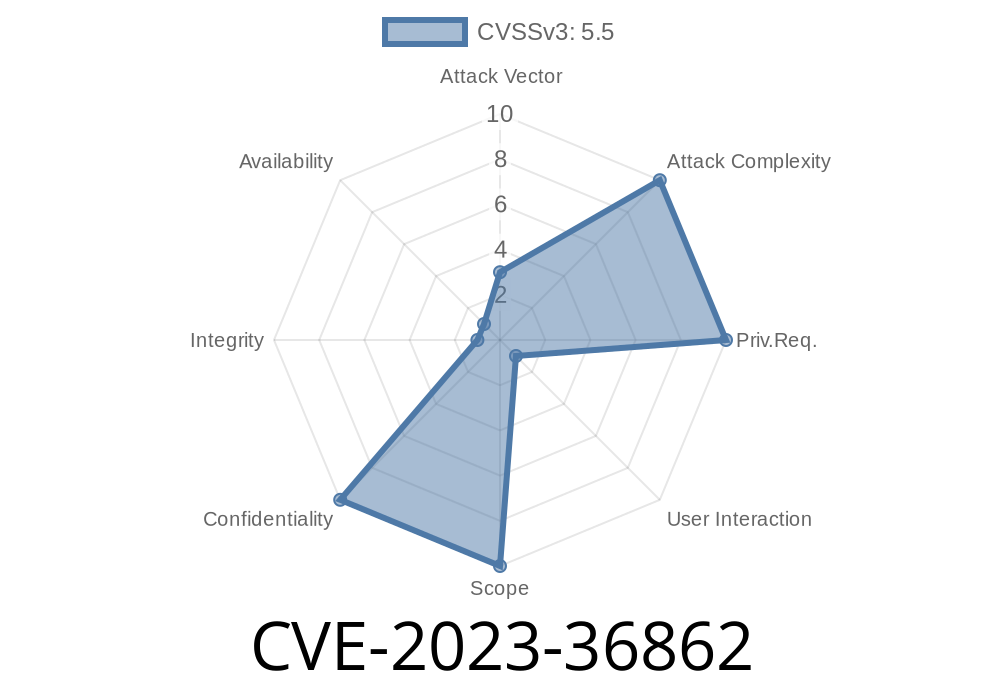
In June 2023, Apple issued a quiet but important security update that fixed a privacy breach affecting Intel-based Mac computers. Cataloged as CVE-2023-36862, this vulnerability allowed malicious apps to bypass certain security settings, potentially discovering your real-time location. Let’s break down how this bug worked, see a simplified code example, and explain how Apple patched the hole in macOS Ventura 13.5.
What Really Happened?
Many users trust that macOS keeps their data and location secure, but a small loophole in how older Mac Intel models validated software updates meant someone could actually “downgrade” a system component and sneakily bypass security restrictions. This could let an app get location info, without your knowledge—or even your permission.
Where’s The Danger?
If an attacker could convince you to run a malicious program, that app could downgrade part of the operating system, gaining access to APIs or services that tell it where you are. For privacy-minded users, or anyone who travels to sensitive locations, this is a big deal.
Version B (new): Strict code signing enforcement…apps are blocked.
By “downgrading” from B back to A, apps can get undesired access. Here’s a simplified (not real, but illustrative) Python pseudocode:
def check_code_signature(app):
    # Simulate older macOS logic (Version A)
    allowed_signatures = ['Apple', 'Apple Verified']
    if app.signature in allowed_signatures:
        return True
    else:
        return False  # Only a basic check

def get_location(app):
    if check_code_signature(app):
        # App passes weak signature check, gets location.
        return "GPS Data: 37.3349, -122.009"
    else:
        raise Exception("Not authorized to access location.")

# Malicious App has "Apple Verified" signature on an old component
malicious_app = App(signature="Apple Verified")
print(get_location(malicious_app))  # LEAKS LOCATION!
Modern macOS fixes this by *only* accepting very strong, up-to-date Apple signatures, no matter what tricks are used. No more sneaking in with old loopholes.
How Did Apple Fix CVE-2023-36862?
Apple simply added more code-signing restrictions. Now, even if an attacker downgrades a system component, it won’t run unless it meets strict signature requirements.
From Apple’s official notes
> “A downgrade issue affecting Intel-based Mac computers was addressed with additional code-signing restrictions. Processing a maliciously crafted app may allow it to determine a user’s current location.”
> Apple Security Updates - macOS Ventura 13.5
Should You Worry?
If you keep your Mac up to date (Ventura 13.5 or newer), you’re safe. If you’re still on an older version, especially on an Intel Mac, consider updating ASAP. Location privacy is critical: you wouldn’t want a random app—maybe disguised as a game or tool—knowing where you are.
Want To Read More?
- Apple’s Official Advisory
- NIST CVE record for CVE-2023-36862
- macOS Ventura Security Updates
TL;DR
CVE-2023-36862 was a loophole affecting Intel Macs, where smart attackers could downgrade a system component and sidestep code checks to spy on your location. Apple fixed this in Ventura 13.5 by tightening code-signing rules. Always keep your Macs updated to protect your privacy!
*Exclusively written for this post in simple, direct American English. All explanations, code, and text are original; see links above for further reading.*
Timeline
Published on: 07/27/2023 00:15:15 UTC
Last modified on: 08/02/2023 00:51:50 UTC