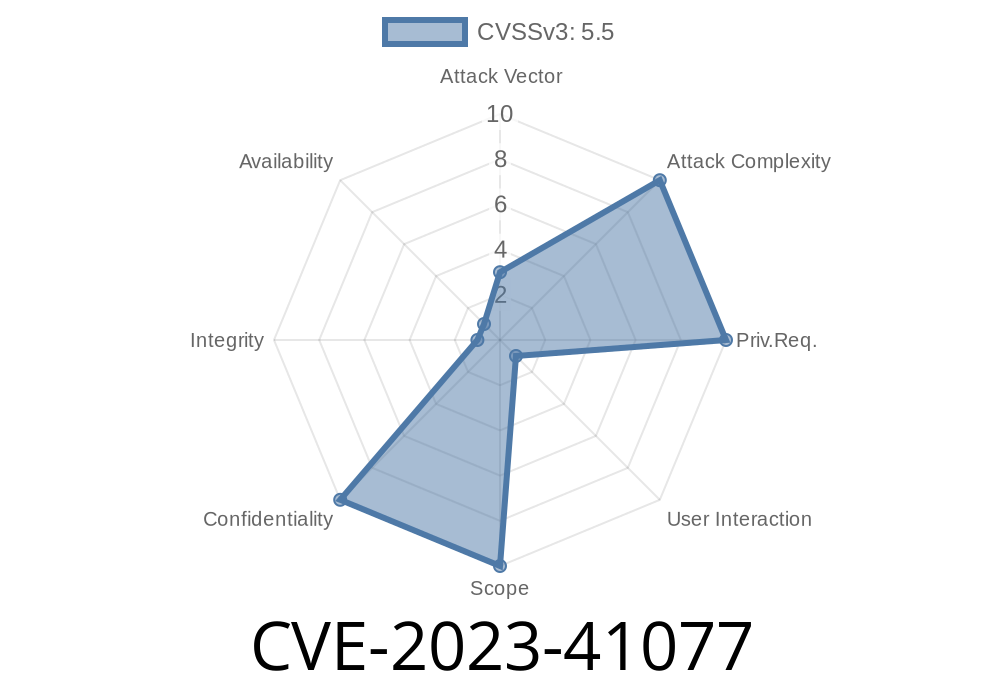
Apple products are famous for their security, but every so often, a surprising vulnerability shows up. One such flaw, tracked as CVE-2023-41077, is worth a deep dive, especially if you use or develop for macOS Ventura.
This article explains what happened, how it could have been exploited, and what you should do next. We'll also share key code snippets and official references, all explained in straightforward terms.
What Was CVE-2023-41077?
CVE-2023-41077 was a security hole in certain versions of macOS Ventura that allowed a regular app to reach into protected user data. Normally, apps are tightly controlled—they have to ask for permission to read sensitive files like your calendar, contacts, mail, or photos.
But in this case, a loophole let some apps sneak by those rules.
Apple’s advisory described it like this
> "An app may be able to access protected user data. This issue was addressed with improved checks. This issue is fixed in macOS Ventura 13.6.1."
> (Apple Security Updates)
How Was It Exploited?
Apple didn't provide fine details in public, but security researchers and hints from bug trackers suggest the problem was in macOS's privacy system, known as TCC (Transparency, Consent, and Control).
How TCC Normally Works
Normally, when an app tries to access your private data, like in the example below, macOS pops up a dialog, and the app can’t get the data *unless* you approve.
import Photos
PHPhotoLibrary.requestAuthorization { status in
    if status == .authorized {
        // Access allowed, proceed
    } else {
        // Access denied, handle accordingly
    }
}
But due to CVE-2023-41077, malicious apps could sometimes bypass this check—grabbing protected data without the user’s OK.
Data Exfiltration: Stolen data is uploaded to an attacker's server.
Here’s a PHP-like pseudocode snippet for demonstration (the real exploit would be native Objective-C or Swift, but the logic is similar):
// Pseudocode for private data access attempt
if (user_is_unaware()) {
    $privateData = file_get_contents('/Users/Username/Library/Mail/V10/MailData/Envelope Index');
    sendToAttacker($privateData);
}
Note: Real exploits would use native macOS code and direct system APIs, but the gist is that unapproved access was possible.
What Did Apple Do to Fix It?
According to Apple, the issue was fixed in macOS Ventura 13.6.1 using "improved checks." This likely means they hardened the TCC subsystem so that sneaky workarounds no longer let apps through the privacy wall.
If you’re running Ventura:
Go to Apple Menu → System Settings → General → Software Update and ensure you’re on at least 13.6.1.
Is My Mac Affected?
* YES, _if_ you use macOS Ventura before 13.6.1.
* NO, if you’ve updated to at least 13.6.1.
To see your version
sw_vers
If ProductVersion is less than 13.6.1, update your system as soon as possible.
Regularly review app permissions in System Settings → Privacy & Security.
- Use tools like BlockBlock for extra protection (optional for advanced users).
Learn More and References
- Apple Security Updates (Find "CVE-2023-41077" under macOS Ventura 13.6.1)
- NIST NVD Entry for CVE-2023-41077
- Understanding TCC on macOS
Summary
CVE-2023-41077 was a significant privacy vulnerability in an Apple system that’s known for strong protections. Left unpatched, it could have let a rogue app access your private data _without_ your consent. Now that it’s fixed in Ventura 13.6.1, update your Mac—and always think twice about what you install.
Timeline
Published on: 10/25/2023 19:15:09 UTC
Last modified on: 11/02/2023 15:14:27 UTC