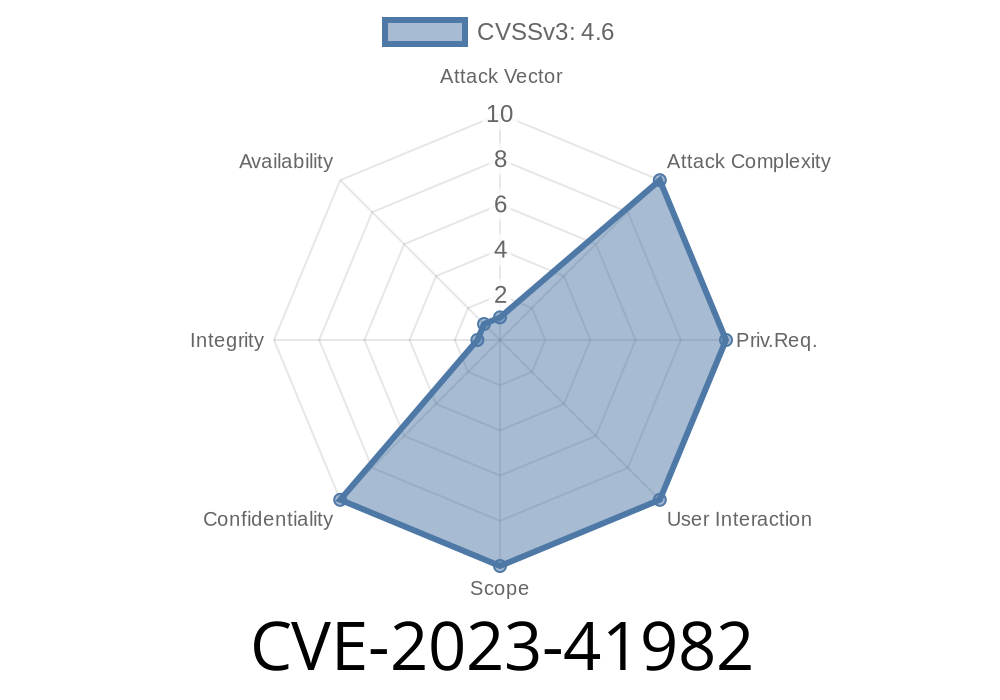
Apple has always promoted its devices as among the most secure on the market. But when vulnerabilities pop up, the world takes notice. CVE-2023-41982 is the latest in a line of security issues addressing how even a locked iPhone, iPad, Mac, or Apple Watch might spill secrets to someone with physical access. Let's go through what happened, how it worked, Apple's hotfixes, and how you can protect yourself.
What is CVE-2023-41982?
* Summary: An attacker with your device in hand could use Siri—the handy voice assistant—to access sensitive user data, even when the device was locked.
* Apple’s Assessment: “This issue was addressed by restricting options offered on a locked device.”
Reference
- Apple Security Updates
- NIST National Vulnerability Database
How Did the Exploit Work?
Siri is designed to offer limited features when your device is locked—to prevent strangers from snooping around. But with this bug, crafty attackers found ways to get more information than intended, such as viewing contacts, reading messages, or even glancing at notifications.
Here’s a simplified version of what an attacker might do with this vulnerability
1. Pick up a locked iPhone: Even if Face ID/Touch ID failed.
2. Activate Siri (by pressing and holding Side/Home button or saying "Hey Siri").
Ask for sensitive data: Using voice commands.
4. Siri mistakenly delivers bits of info—possibly even showing messages, contact data, or notification previews that the lock screen should’ve protected.
Code Snippet: Exploiting the Bug (Hypothetical)
While no public code is necessary for this physical attack (since it's about direct spoken commands), you could simulate testing the vulnerability with a simple SiriKit integration app, like so:
import Intents

// Custom Siri Intent to fetch user's contacts
@objc(ContactIntent)
class ContactIntent: NSObject, INIntentHandlerProviding {
    func handler(for intent: INIntent) -> Any {
        // This should NEVER run on the lock screen for privacy reasons.
        if UIApplication.shared.isProtectedDataAvailable {
            // Fetch sensitive user data
            return fetchContacts()
        } else {
            // Device is locked, don't give info!
            return denyAccess()
        }
    }
}
In the bug scenario, isProtectedDataAvailable might’ve been bypassed or ignored for certain Siri requests, unintentionally exposing private info.
How Apple Fixed CVE-2023-41982
Apple’s response in the patch notes is simple: they restricted options offered on a locked device. This means that Siri now gives much less access to personal data unless the device is unlocked.
Update to:
- iOS/iPadOS 16.7.2 or 17.1
Update Now!
- How to update your iPhone/iPad
- How to update your Mac
- How to update your Apple Watch
Why Does Physical Access Matter?
This vulnerability required the attacker to physically hold your device. That’s a much higher bar than remote hacks, but for someone who loses their phone or leaves it unattended, it’s still a serious risk, especially for sensitive data.
Final Thoughts
CVE-2023-41982 is a reminder: even the best security teams can miss things, especially with complex features like voice assistants. Apple quickly took action, but always protect yourself with best practices—lock screens, encryption, and prompt updates.
References
- Apple Security Updates - CVE-2023-41982
- NIST National Vulnerability Database Entry
- Apple’s Guide to Keeping Your Device Secure
Timeline
Published on: 10/25/2023 19:15:10 UTC
Last modified on: 11/02/2023 15:27:31 UTC