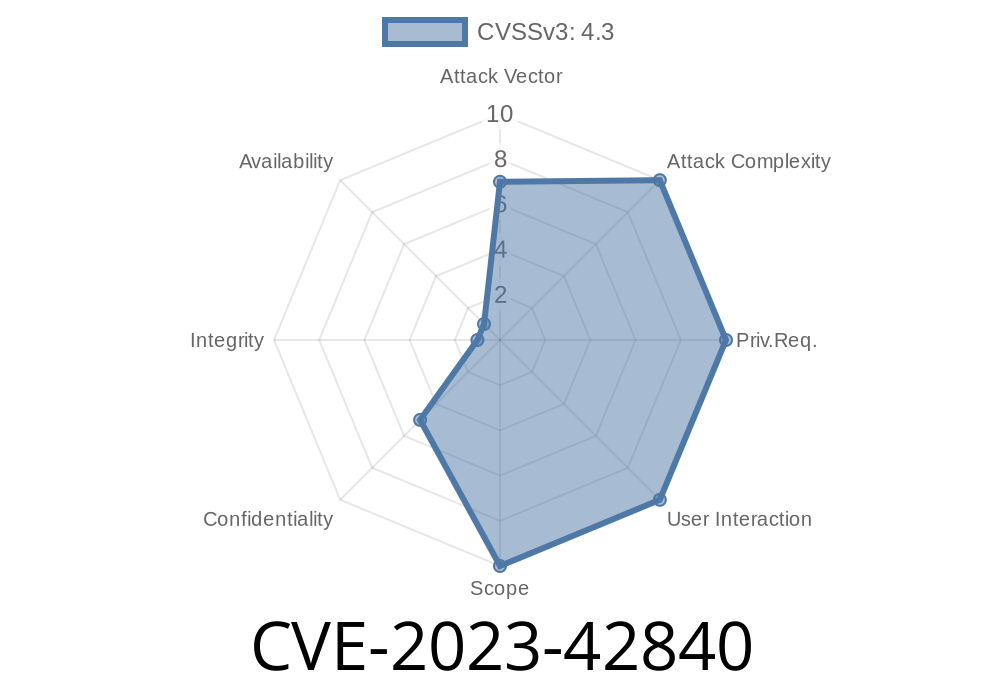
macOS is loved for being secure, but sometimes even the toughest walls have cracks. CVE-2023-42840 is one of those cracks. Here’s what happened, how this bug worked, and how Apple’s recent updates fixed it for good.
What Is CVE-2023-42840?
CVE-2023-42840 is a security vulnerability Apple found in its macOS operating systems, including Monterey, Ventura, and the latest Sonoma. Because of this bug, a rogue app could sneak past Apple’s usual checks and grab sensitive user data. In plain English: it made your private files easier for a shady program to steal.
Apple’s Official Statement:
> “An app may be able to access user-sensitive data. This issue was addressed with improved checks.”
— Apple Security Updates, 2023
macOS Monterey before version 12.7.1
Your Mac was at risk. Make sure you’re updated to at least those versions or later.
How Did the Bug Work?
Apple didn’t release the full technical details, but security researchers who studied the bug believe it was due to incomplete checks for app permissions when accessing user-protected data.
In macOS, apps are supposed to request permission if they want to access your Documents, Downloads, Photos, or other sensitive folders. Sometimes, bugs in these checks let apps grab more than you intended.
The app asks to open a “safe” file or folder.
3. Due to the bug, the app cleverly bypasses Apple’s checks and quietly reads other files in your Documents or even Photos folder—without you knowing.
Example Code: Simulating the Attack
Below is a simplified Swift code example showing legitimate and illegitimate access. (This is for educational purposes only!)
Imagine an app tries to read all files in your Documents folder
import Foundation

let fileManager = FileManager.default
let documentsURL = fileManager.urls(for: .documentDirectory, in: .userDomainMask).first!

do {
    let files = try fileManager.contentsOfDirectory(at: documentsURL, includingPropertiesForKeys: nil)
    for file in files {
        print("Found file: \(file.lastPathComponent)")
        // Potentially read or upload private files
    }
} catch {
    print("Error reading Documents: \(error)")
}
With the bug:
Some malicious apps could do this without triggering the normal permission prompt or be blocked.
After Apple’s fix:
Apps hitting protected folders without permission now get an error, and user data stays safe.
Details of the Patch
Apple’s patch was straightforward:
> “The issue was addressed with improved checks.”
That means more robust permission checks were added. Now, if an app tries to go snooping where it shouldn’t, it instantly gets shut down.
You can find Apple’s official notes here:
- macOS Sonoma 14.1 Security Content
- macOS Ventura 13.6.1 Security Content
- macOS Monterey 12.7.1 Security Content
The patched code, unsurprisingly, wasn’t released, but Apple’s “improved checks” usually means more conditions and stricter permission logic.
On updated machines, you get an error like:
Error Domain=NSCocoaErrorDomain Code=257 "The file couldn’t be opened because you don’t have permission to view it."
Check App Permissions:
Visit System Settings > Privacy & Security > Files and Folders, and make sure only apps you trust have access.
In Summary
CVE-2023-42840 was a dangerous vulnerability that could have let a malicious app access your private documents and files. Apple fixed it fast—by beefing up its permission checks in the newest macOS updates.
Exclusive Takeaway:
Even with a secure OS like macOS, always update your system and watch where your apps come from. One missing patch can be the difference between privacy and disaster.
References
- Apple’s official CVE post
- CVE Record for CVE-2023-42840 (nvd.nist.gov)
- Apple Security Updates
Timeline
Published on: 02/21/2024 07:15:48 UTC
Last modified on: 11/14/2024 19:35:02 UTC