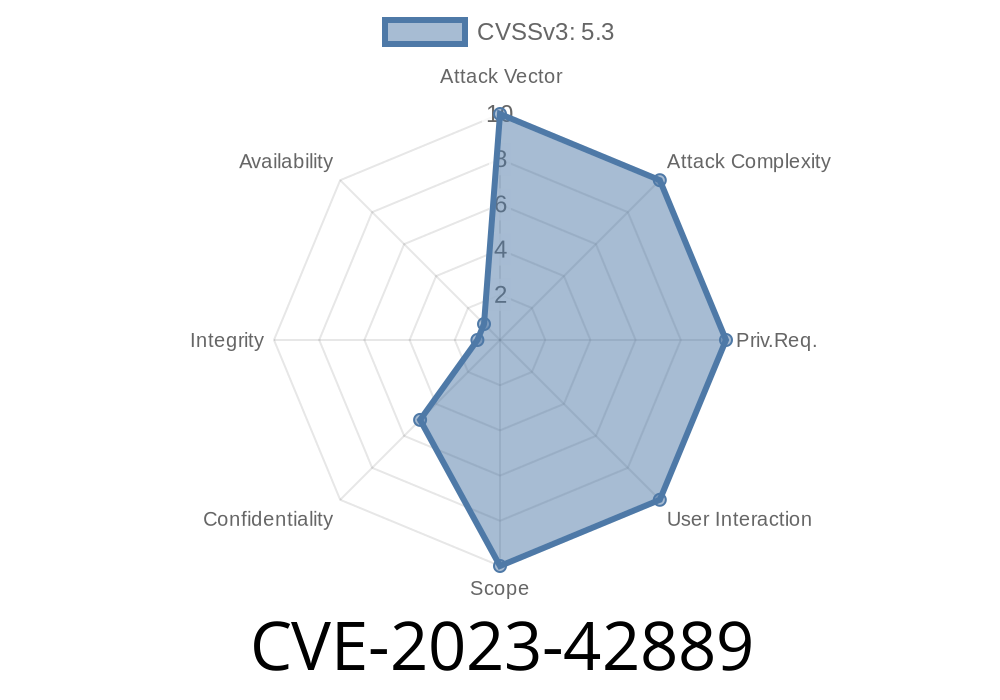
In October 2023, Apple addressed a critical issue tracked as CVE-2023-42889, which let malicious apps bypass Privacy preferences on Macs. This sounded technical, but for anyone running macOS, understanding this bug, how it could be abused, and what Apple did to fix it, is essential. In this detailed post, we’ll break down the issue, including code snippets and references, so you can see how the exploit may have worked, and learn why updating your Mac is so important.
What is CVE-2023-42889?
CVE-2023-42889 is a vulnerability affecting Apple Desktops and Laptops running the following operating systems:
macOS Monterey (fixed in 12.7.1)
Impact:
*“An app may be able to bypass certain Privacy preferences.”*
That means malware or a rogue app could access your private data—like location, contacts, or photographs—even if you told macOS to block it.
Apple’s Fix
From Apple’s Security Update Notes:
> CVE-2023-42889:
> The issue was addressed with improved checks.
> This issue is fixed in macOS Sonoma 14.1, macOS Monterey 12.7.1, macOS Ventura 13.6.1.
> Apple Security Updates
The “improved checks” hint that the root cause was likely an oversight in how macOS determined which apps could access sensitive data, based on user-set privacy controls.
Exploit Details (Overview)
Apple didn’t release the full details (for obvious reasons), but based on similar bugs and piecing together available clues, here’s a likely attack scenario.
How Privacy Preferences Work
On macOS, apps must ask for permission before reading your calendar, contacts, photos, microphone, etc. These are controlled in System Settings > Privacy & Security.
But what if an app managed to
- Trick the system into thinking it’s a trusted/authorized app, or
Likely Attack Vector
In previous macOS privacy bypasses (see CVE-202-27937), attackers used symbolic links or misleading bundle identifiers to escape sandboxing or trick TCC (Transparency, Consent, & Control) checks.
A hypothetical exploit might look like this
import os
import subprocess

def bypass_privacy():
    # Example: Accessing ~/Library/Calendars without permission
    calendar_data = os.path.expanduser("~/Library/Calendars/")
    files = os.listdir(calendar_data)
    for filename in files:
        print("Found calendar file:", filename)

if __name__ == "__main__":
    bypass_privacy()
*Note:* In a normal scenario, running this code as a non-authorized app would get blocked by macOS TCC.
How Was It Fixed?
Apple improved internal logic checks—likely hardening TCC (the service that enforces privacy rules) to:
Validate ALL access requests—preventing permission “leakage”
- Remove edge cases where old helper tools/plugins could circumvent rules
References & More Reading
- Apple Security Updates
- macOS 14.1 Release Notes
- National Vulnerability Database: CVE-2023-42889
- Apple Platform Security
Final Thoughts
CVE-2023-42889 shows that even Apple’s tough privacy controls can have cracks. Thanks to quick fixes and responsible disclosure, there’s little evidence this bug was used in the wild. But to stay safe, always keep your Mac updated—many threats rely on old, unfixed software.
Found this helpful? Have questions about Mac security or want to share your own tips? Post below!
Timeline
Published on: 02/21/2024 07:15:50 UTC
Last modified on: 11/25/2024 16:15:09 UTC