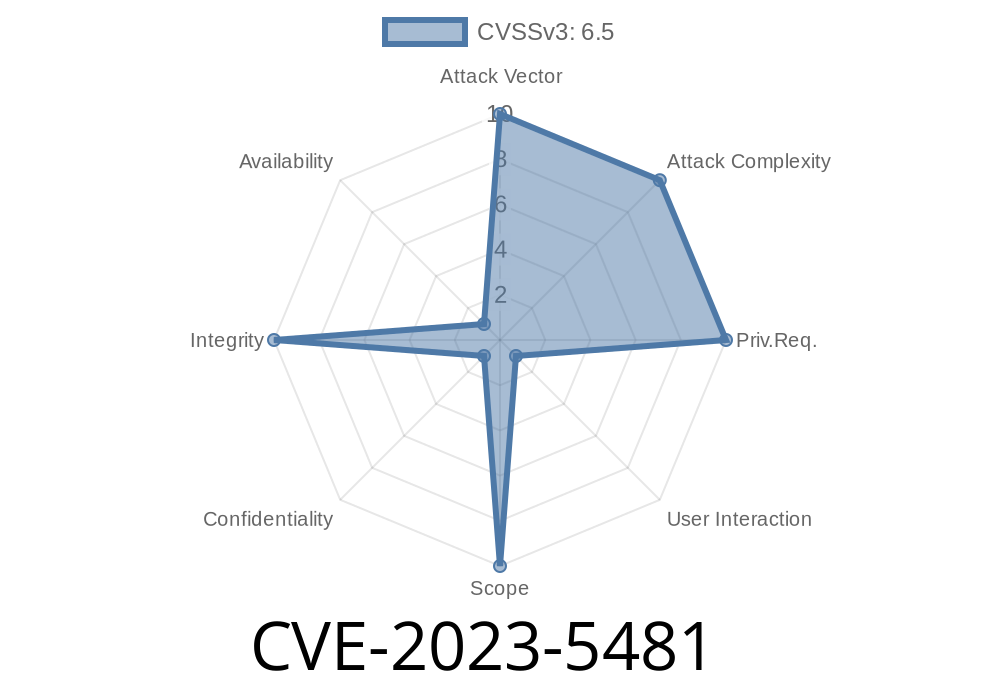
CVE-2023-5481 is a security flaw found in Google Chrome’s downloads feature that existed before version 118..5993.70. This vulnerability allowed attackers to spoof the download security UI—the part of Chrome that warns you about dangerous or suspicious downloads. Using clever websites, hackers could make their files look safe, even when they were anything but.
This article breaks down what went wrong, shows a simple code example of the exploit, and points to resources for those wanting a deeper dive.
What Went Wrong With Chrome’s Downloads?
Normally, when you download a file that might be dangerous (like an executable or a suspicious attachment), Chrome displays warnings or asks for confirmation. This makes it harder for malware to sneak onto your computer.
CVE-2023-5481 happened because Chrome didn’t handle some situations correctly when websites used specially crafted HTML code. An attacker could trick Chrome into showing a safe-looking prompt for a file that should actually be flagged as dangerous.
Security severity: Medium (according to Chromium’s own rating)
Demonstrating the Exploit
> Disclaimer: This code is for educational purposes only.
Here’s a simple HTML snippet showing how a website could exploit this vulnerability
<!DOCTYPE html>
<html>
  <body>
    <form id="spoofDownload" action="malicious.exe" method="get">
      <button type="submit">Download Invoice</button>
    </form>
    <script>
      // Trigger the download automatically (targeting Chrome's download UI)
      document.getElementById('spoofDownload').submit();
    </script>
    <p>
      <b>Click the button above if your download didn't start.</b>
    </p>
  </body>
</html>
How it works:
The attacker uses a form set to download a dangerous file (e.g., malicious.exe).
- With tricks in the HTML and JavaScript (and sometimes using data URIs, custom file types, or manipulating headers server-side), Chrome’s regular UI for downloads could be made to look normal—dropping some or all security warnings.
What you would see:
On Chrome versions before 118..5993.70, you might see a file appear as a standard download, or with a misleading safe filename, without the scary yellow or red warning bar.
Why This Is Problematic
- Trust Issues: You trust Chrome’s warnings to stop you from clicking on unsafe files. Breaking this trust is a huge problem.
- Malware Risk: This bug made it much easier for attackers to deliver ransomware, password-stealers, or trojans.
Reported: Before October 2023
- Fixed in: Chrome 118..5993.70
- Security Advisory: Chromium issue 1488863 _(access may be limited until full disclosure)_
- CVE Page: CVE-2023-5481 on NIST
Who Is Affected?
- Users: Anyone using Chrome on Windows, Mac, or Linux before October 2023 (version < 118..5993.70).
Final Thoughts
Bugs like CVE-2023-5481 remind us that even the world’s most popular browser can sometimes be tricked with nothing more than a few lines of HTML and JavaScript. Keeping your browser updated is always your first line of defense. And when in doubt—don’t download files from websites you don’t fully trust.
References
- Chrome Stable Channel Update (Oct 11, 2023)
- NVD Entry for CVE-2023-5481
- Chromium Project Security
- Issue Tracker: 1488863
Got questions or need more info? Drop a comment! Stay safe, and keep Chrome updated.
Timeline
Published on: 10/11/2023 23:15:00 UTC
Last modified on: 10/13/2023 02:15:00 UTC