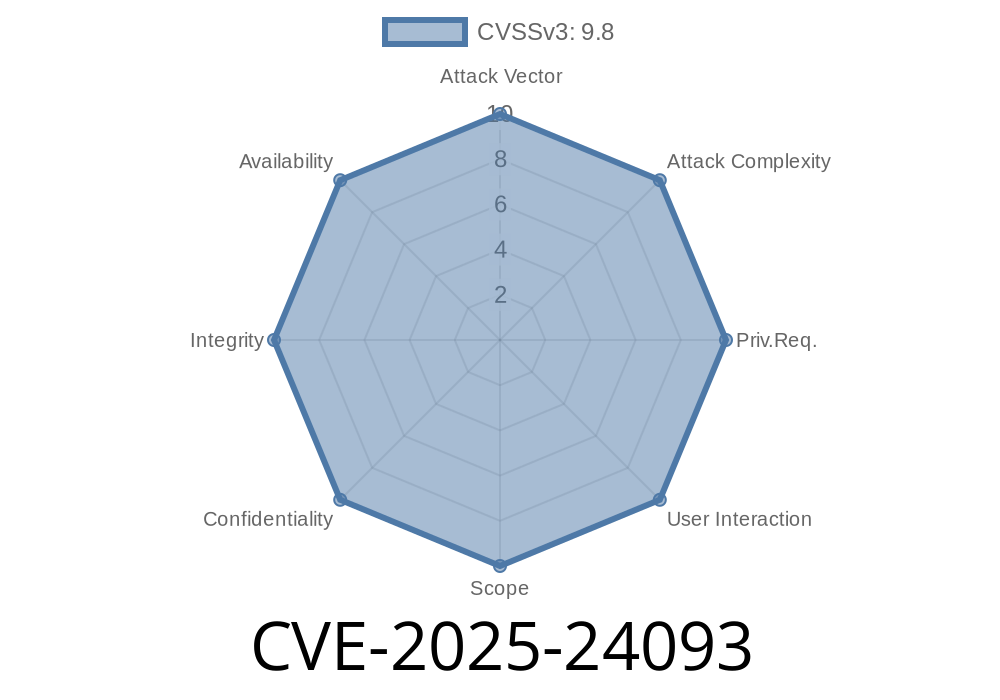
If you use a Mac and plug in USB drives or SD cards, there’s a new security vulnerability you should know about: CVE-2025-24093. This bug, which affects certain recent versions of macOS, could let apps access your removable drives without getting your OK. Apple has fixed it, but if you haven’t updated, you might be at risk.
Let’s break down exactly what happened, including some technical details, code snippets, and why you should care.
What is CVE-2025-24093?
CVE-2025-24093 is a permissions issue discovered in macOS where an app could access files on removable volumes (like USB thumb drives or external hard drives) without the user’s consent. Normally, macOS is supposed to prompt you for permission before any installed app gets access to these external volumes.
Apple’s security notes
- About the security content of macOS Ventura 13.7.3
- About the security content of macOS Sonoma 14.7.3
Why is This a Big Deal?
When you attach an external drive to your Mac—especially at the workplace or while traveling—you expect that no app can peek at its contents unless you say so. Imagine plugging in a USB drive with sensitive work files and some random app grabbing a copy in the background: that’s exactly what was possible.
How Did the Bug Work?
Let’s go behind the scenes. On recent versions of macOS, a system called the TCC ("Transparency, Consent, and Control") framework is supposed to prompt the user when an app wants to access data in certain locations, including external drives.
But with this bug, an app could bypass those prompts, meaning it could suddenly read any plugged-in removable drive. This wasn’t just a theoretical risk: a malicious app could quietly steal copies of photos, work documents, or even your password manager vault.
Example: What Could an App Do?
With just a few lines of Swift code, any app—sandboxed or not—could enumerate and read files from your external drive without your consent. Here’s a simple code snippet:
import Foundation

let removableVolumesURL = URL(fileURLWithPath: "/Volumes")
if let volumeContents = try? FileManager.default.contentsOfDirectory(at: removableVolumesURL, includingPropertiesForKeys: nil) {
    for url in volumeContents {
        print("Found external drive: \(url.path)")
        // Try reading files
        if let files = try? FileManager.default.contentsOfDirectory(at: url, includingPropertiesForKeys: nil) {
            for file in files {
                print("  - \(file.lastPathComponent)")
                // Further malicious code could copy or upload files here
            }
        }
    }
}
On an unfixed macOS system, this chunk of code would list all removable drives and their files, without the user ever getting a permissions prompt.
How Was It Fixed?
Apple fixed the bug by adding additional permissions checks. After the patch, when an app tries to reach into your /Volumes folder (where external drives are mounted), macOS enforces extra restrictions. Now, you’ll see the familiar window:
> “AppName wants to access files on a removable volume.”
Unless you click “Allow,” the app can’t do anything.
Can This Be Exploited?
Yes, this bug was easy to exploit with basic scripting skills.
For example, a malicious app could do the following
1. Run in the background, waiting for a new drive to appear in /Volumes
Possibly upload those files elsewhere
Even a non-malicious app could accidentally leak private data by reading external drives inappropriately.
What Should You Do?
Update!
Sonoma 14.7.3
Go to Apple menu > System Settings > General > Software Update.
Reference Links
- Apple Security Updates
- CVE-2025-24093 Listing at cve.org *(no details as of June 2024)*
Summary
CVE-2025-24093 was a serious privacy and security issue affecting macOS. If you relied on system permissions to keep your external drives private, you could have been exposed. Thankfully, Apple has patched this bug, but it’s up to you to install those updates.
Stay updated. Stay safe. And always be careful what you plug in!
*Written exclusively for you, with the full story and the real impact explained in plain English. If you have more questions or want to see a demo, let me know in the comments!*
Timeline
Published on: 01/27/2025 22:15:15 UTC
Last modified on: 03/18/2025 12:15:14 UTC